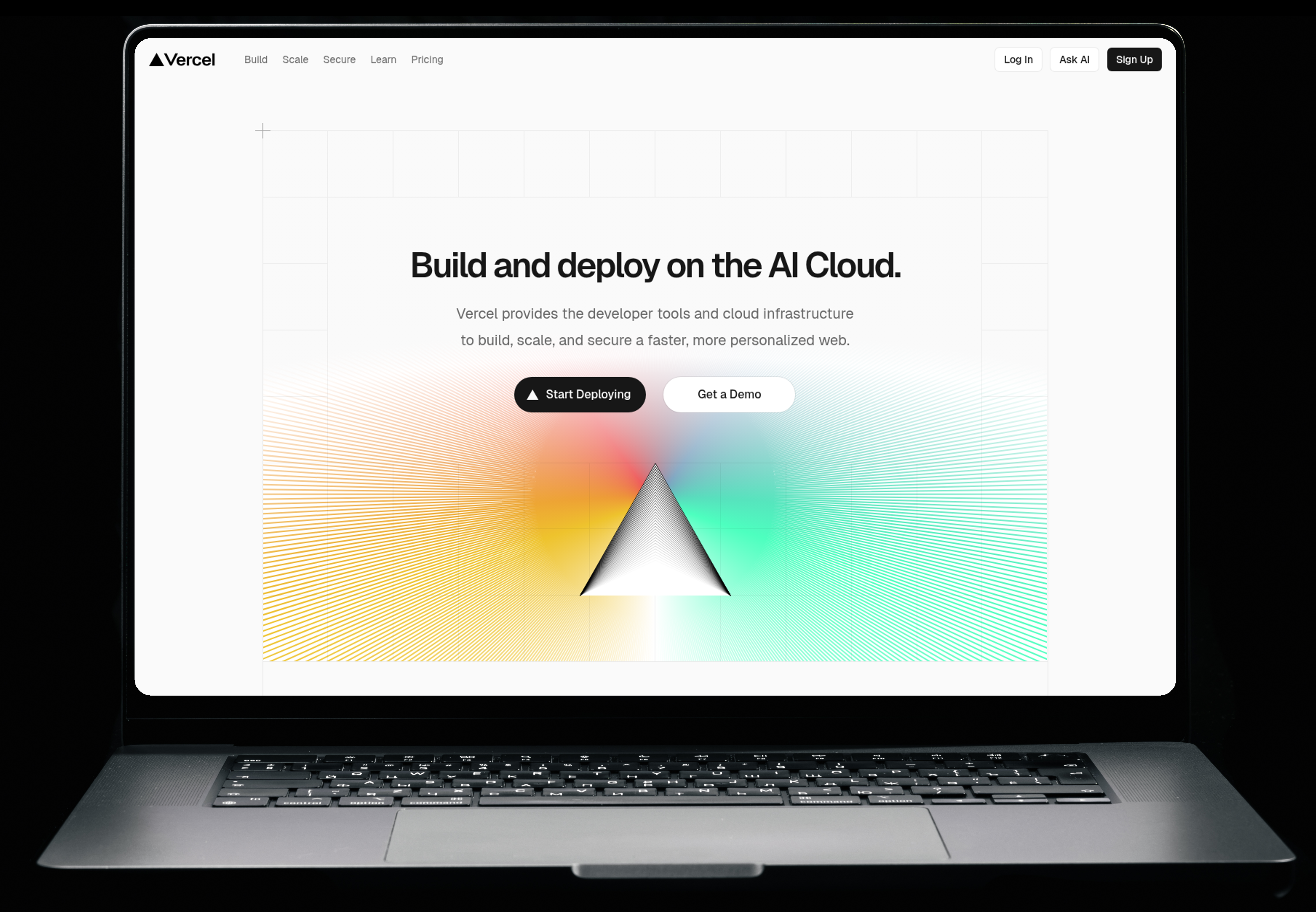
Capture any website as a stunning, device-framed screenshot. Perfect for OG images, documentation, marketing, and more.
curl "https://grabshot.dev/v1/screenshot\
?url=https://example.com\
&width=1280&height=800\
&frame=browser\
&format=png\
&apiKey=YOUR_API_KEY" \
-o screenshot.png
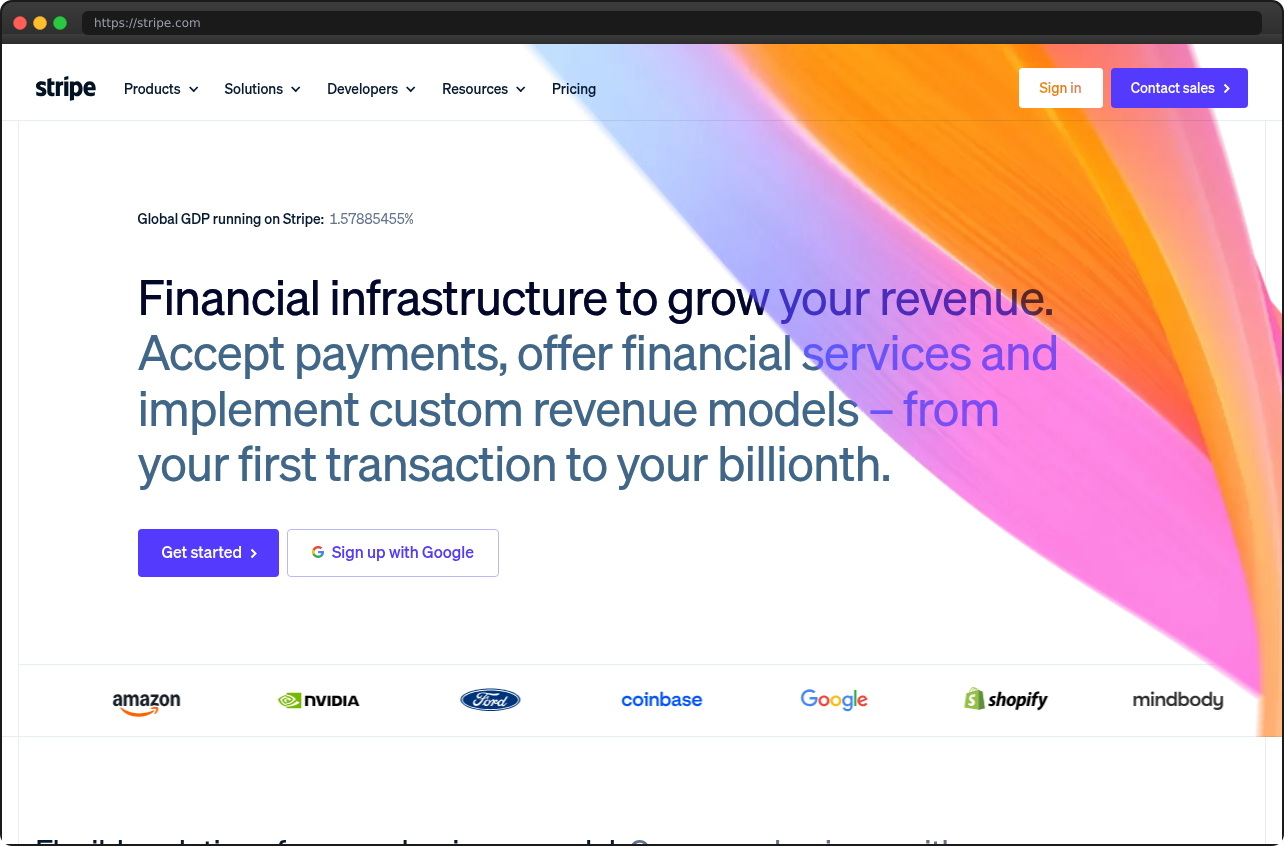
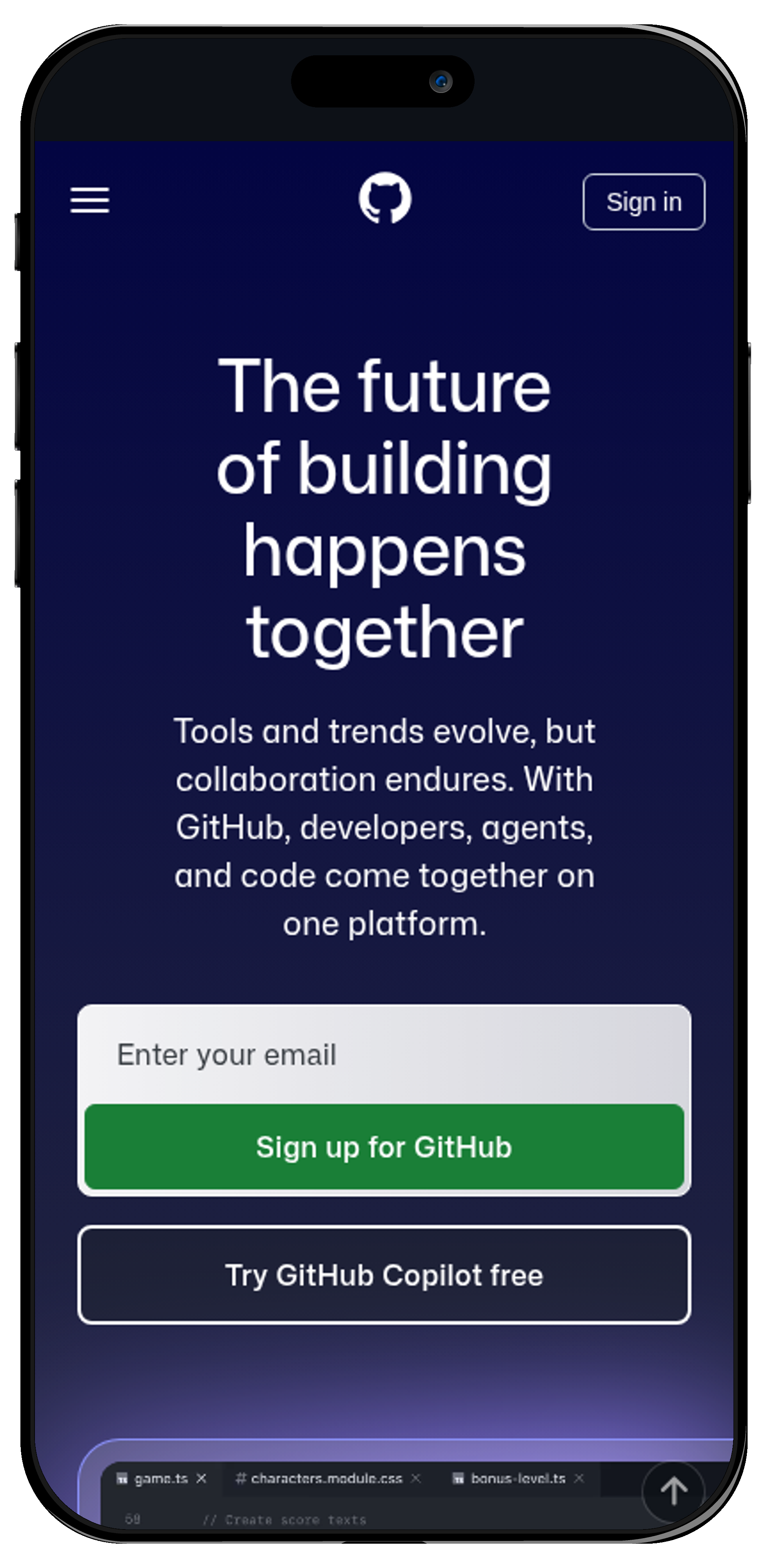
Real screenshots captured by GrabShot — one API call each
Clean macOS-style window chrome. Perfect for landing pages & docs.
frame=browser
Realistic device mockup with Dynamic Island & safe area.
frame=iphone&orientation=portrait
Full laptop mockup with keyboard & trackpad. Presentation-ready.
frame=macbook
Set exact width, height, or go full-page. Retina support for crystal-clear 2x renders.
Wrap screenshots in beautiful browser, iPhone, and MacBook frames automatically.
Capture websites in dark mode with a single parameter. Perfect for showcasing both themes.
Screenshot specific elements with CSS selectors. Capture just the hero, pricing table, or any component.
Browser pool with smart reuse. Most screenshots complete in under 3 seconds.
Automatically block ads and trackers for clean, professional screenshots every time.
Use GrabShot as your og:image source. No API key exposed — use a safe public key instead. First request generates a screenshot, then it's cached and served in under 50ms. Auto-refreshes every 12 hours.
<!-- In your <head> -->
<meta property="og:image"
content="https://grabshot.dev/v1/screenshot
?url=https://yoursite.com
&og=ogk_your_public_key
&frame=browser"
/>
<!-- No API key exposed. Get your public key from the dashboard. -->
When a crawler (or anyone) first hits the URL, GrabShot takes a fresh screenshot and caches it to disk.
Cached images are served in <50ms. Twitter, Slack, Discord, and LinkedIn all get a fast response.
A background job re-screenshots all cached URLs, so your OG images always reflect your latest content.
Pro tip: Call the URL once after deploying to warm the cache. Every crawler after that gets the instant version.
Enter any URL and see the result instantly
Start free. Scale as you grow. Cancel anytime.
Use code PH10OFF for 10% off your first 3 months
25 screenshots/month
Perfect for trying out
1,000 screenshots/month
$0.009 per screenshot
10,000 screenshots/month
$0.003 per screenshot — Save 67%
50,000 screenshots/month
$0.0016 per screenshot — Save 82%
10,000 screenshots/month
Priority support • 99.9% SLA
50,000 screenshots/month
Dedicated support • 99.99% SLA
All plans include SSL, CORS support, multiple formats, ad blocking, dark mode, and more.
✓ Free plan available ✓ No setup fees ✓ Cancel anytime
Simple REST API. Get started in minutes.
GET https://grabshot.dev/v1/screenshot?url={url}&apiKey={key}
| Param | Type | Default | Description |
|---|---|---|---|
| url | string | required | URL to screenshot |
| apiKey | string | required | Your API key |
| width | number | 1280 | Viewport width in pixels |
| height | number | 800 | Viewport height in pixels |
| format | string | png | png, jpeg, or webp |
| quality | number | 80 | Image quality (jpeg/webp only, 1-100) |
| fullPage | boolean | false | Capture the full scrollable page |
| device | string | desktop | desktop or mobile |
| darkMode | boolean | false | Enable dark mode |
| delay | number | 0 | Wait ms before capture (max 10000) |
| selector | string | — | CSS selector to screenshot specific element |
| frame | string | none | none, browser, iphone, macbook |
| retina | boolean | false | 2x resolution for retina displays |
| blockAds | boolean | false | Block ads and trackers |
| json | boolean | false | Return JSON with base64 image instead of binary |
| og | string | — | OG public key (Pro/Business). Enables caching for <50ms responses. Get your key from the dashboard. |
curl "https://grabshot.dev/v1/screenshot?url=https://github.com&frame=browser&apiKey=YOUR_API_KEY" -o screenshot.png
const response = await fetch(
`https://grabshot.dev/v1/screenshot?url=https://github.com&frame=browser`,
{ headers: { 'Authorization': 'Bearer gs_your_key' } }
);
const buffer = await response.arrayBuffer();
fs.writeFileSync('screenshot.png', Buffer.from(buffer));
import requests
response = requests.get(
"https://grabshot.dev/v1/screenshot",
params={"url": "https://github.com", "frame": "browser"},
headers={"Authorization": "Bearer gs_your_key"}
)
with open("screenshot.png", "wb") as f:
f.write(response.content)